

Description
Download Fast Scanner Free PDF Scan APK – document scanner, PDF tool, mobile scanner, PDF editor, free document management
Overview
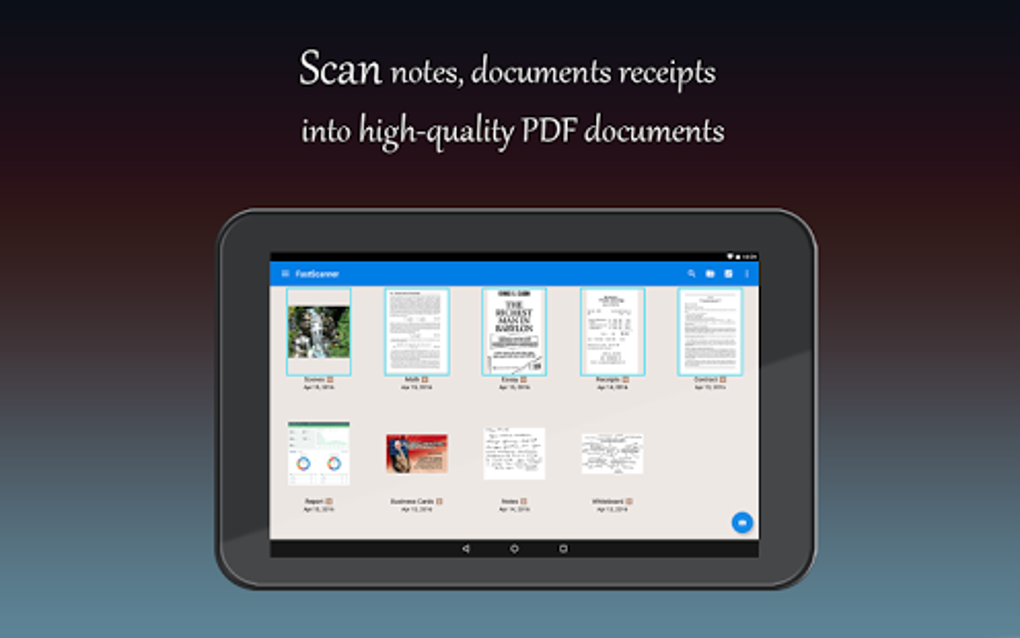
Fast Scanner – PDF Scan App, commonly referred to as Fast Scanner, is a free desktop and mobile document management tool designed to convert physical documents into digital formats using a device’s camera. The software enables users to digitize receipts, notes, invoices, business cards, and even multi-page books with ease. Its primary purpose is to eliminate the need for bulky hardware scanners by transforming any camera-equipped device into a portable scanning solution. This makes it particularly useful for students, professionals, and everyday users who frequently handle physical paperwork and require quick access to digital copies. The app is optimized for efficiency and minimal storage usage, ensuring it runs smoothly on devices with limited space. It supports both single and batch scanning, allowing users to process multiple documents in one session. Users can also enable the flash for improved visibility in low-light conditions. The software includes specialized scanning modes for standard documents and ID cards, with support for capturing both sides of an ID. While the developer did not provide additional background details, the app’s functionality suggests a focus on accessibility and simplicity. Real-world usage scenarios include digitizing receipts for expense tracking, archiving notes from meetings, and organizing personal or business documents on the go.Key Features & Capabilities
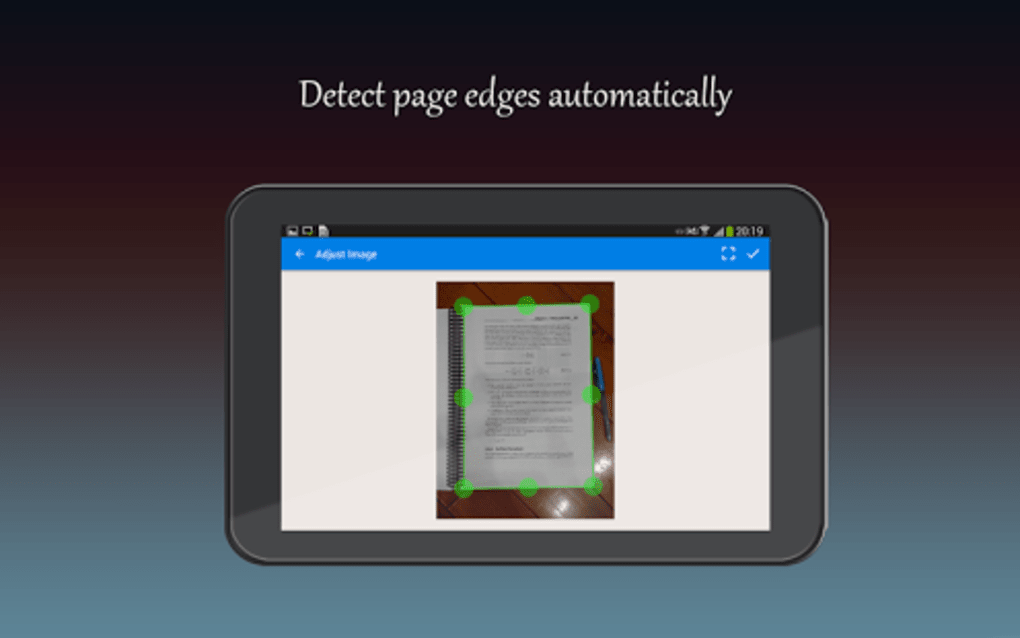
- Camera-Based Document Scanning: Uses the device’s camera to capture high-quality scans of physical documents, including receipts, invoices, and notes.
- Single and Batch Scanning: Allows users to scan one document at a time or process multiple pages in a single session for greater efficiency.
- Flash Support: Enables flash usage during scanning to improve clarity in dimly lit environments.
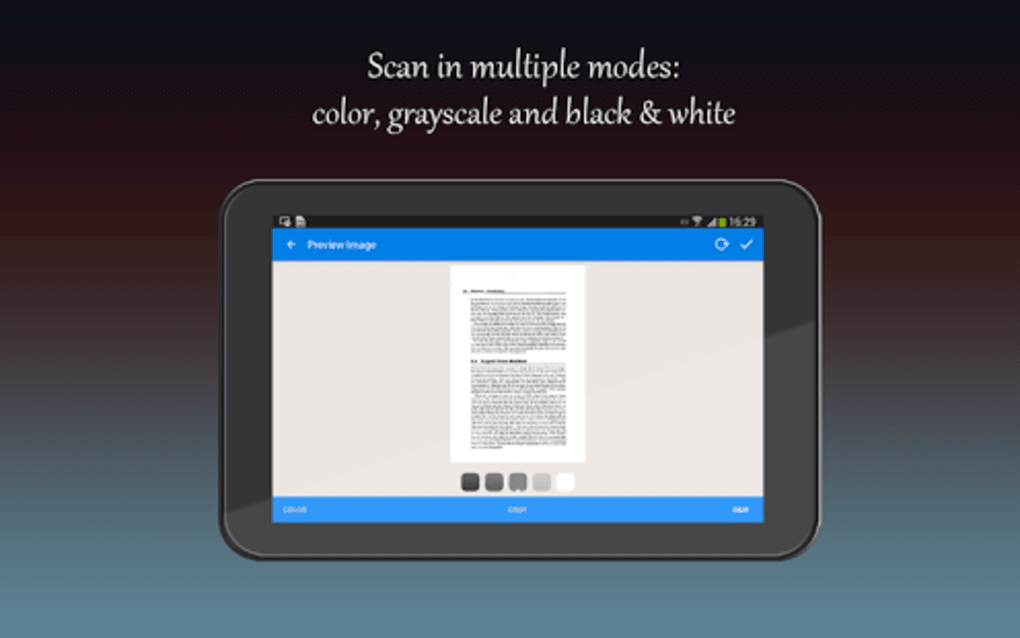
- Document and ID Card Mode: Offers two distinct scanning modes—one for general documents and another specifically designed for capturing both sides of ID cards.
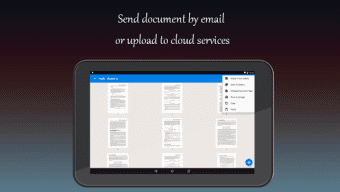
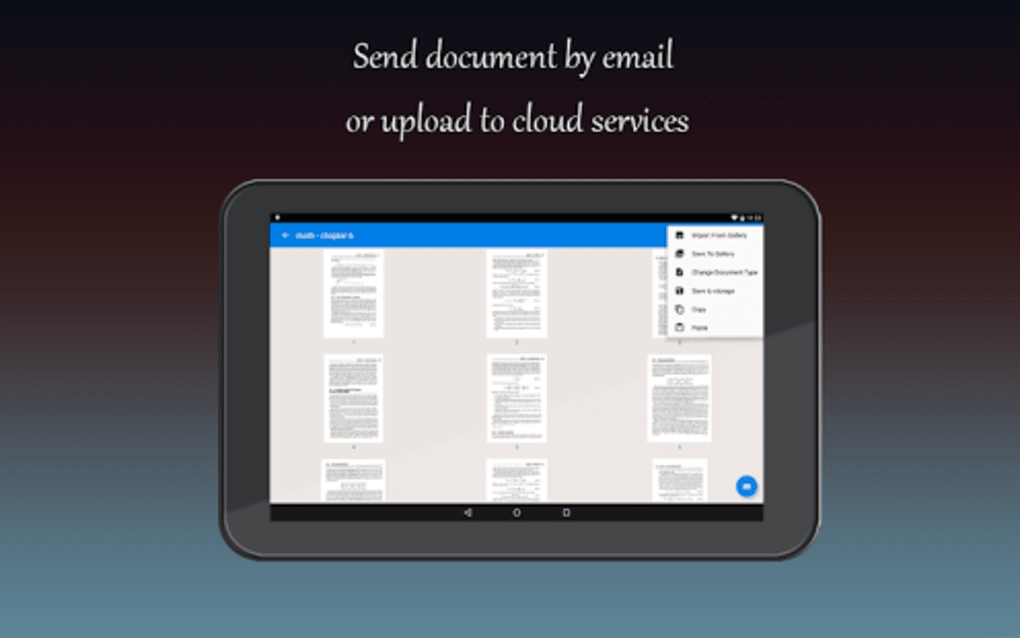
- Multiple Export Options: Scanned files can be exported as PDFs or image files and shared via email, messaging apps, Bluetooth, or cloud storage services like Google Drive.
- PDF Editing Tools: Includes the ability to add or delete pages within a PDF without leaving the app, enabling basic document modification.
- Local and Cloud Storage: Files can be saved directly to the device’s storage or synced to Google Drive for backup and accessibility across devices.
User Interface, Workflow & Performance
The user interface of Fast Scanner is designed with simplicity and efficiency in mind. The main screen features a prominent camera icon positioned at the bottom right, making the scanning action immediately accessible. Navigation is intuitive, with clearly labeled options for scanning modes, export methods, and editing tools. The workflow follows a logical sequence: initiate scan → adjust settings → capture image → review and edit → export or save. The app maintains a lightweight structure, which contributes to smooth operation even on lower-end devices. However, the developer did not specify resource usage details such as CPU or RAM consumption. Performance observations are based on general software behavior patterns. The app appears stable during typical use, with no reported crashes or freezes in the provided information. That said, the presence of in-app advertisements may occasionally interrupt the scanning process, particularly during batch scans. These interruptions can disrupt workflow and reduce efficiency, especially when handling large volumes of documents. Users are advised to be mindful of ad placement and timing when using the app for extended sessions.Compatibility & System Requirements
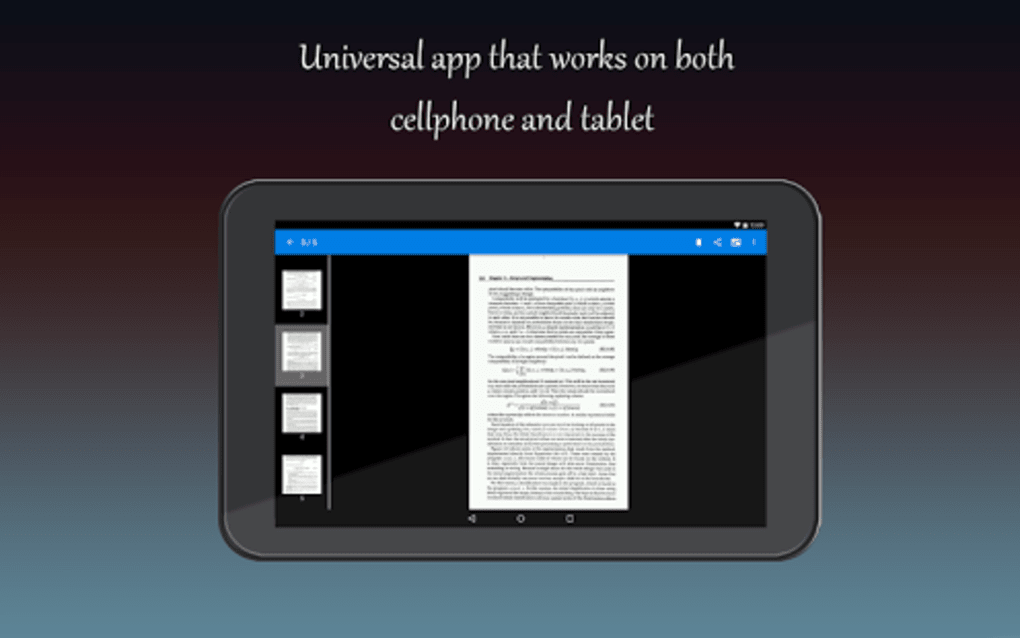
Fast Scanner is compatible with devices running Android operating systems, as indicated by the APK format. The software is designed for mobile platforms and does not support desktop environments. The installation size is not specified in the provided information. The developer did not list exact system requirements, including minimum RAM, processor speed, or storage space. Compatibility information is limited to the operating system and file format. The app requires a device with a functional camera and camera permissions enabled to operate. The developer did not specify whether the app supports tablets or only smartphones. Users should ensure their device meets basic mobile requirements to run the application.Pros and Cons
Pros
- Free to download and use with no upfront cost.
- Turns any camera-equipped device into a portable scanner.
- Supports batch scanning for efficient document processing.
- Offers multiple export formats and sharing options.
- Includes basic PDF editing features like adding or deleting pages.
- Lightweight and optimized for minimal storage usage.
Cons
- Ad-supported model may interrupt scanning sessions.
- Ads can be disruptive during high-volume scanning tasks.
- No information on advanced features or cloud sync beyond Google Drive.
- Limited system requirements details provided.
- Not available for desktop operating systems like Windows or Mac.
FAQ Section
Is Fast Scanner available for Windows or Mac?
The software is distributed as an APK file, which indicates it is designed for Android devices. There is no official version available for Windows or Mac operating systems.Can I use Fast Scanner without an internet connection?
Yes, the app functions offline for scanning, editing, and saving documents locally. However, certain features like cloud uploads to Google Drive require an active internet connection.How do I remove ads from Fast Scanner?
The only way to eliminate ads is by upgrading to the Pro version, which is not included in the free download.Does Fast Scanner support scanning multiple pages into a single PDF?
Yes, the app supports batch scanning, allowing users to scan multiple pages and combine them into one PDF document.Is my data secure when using Fast Scanner?
The app allows users to store files locally or in Google Drive. While no specific security measures are mentioned, data remains under user control. Users should ensure they manage permissions carefully.Final Thoughts + CTA
Fast Scanner – PDF Scan App delivers a straightforward, accessible solution for digitizing physical documents on the go. Its free model, lightweight design, and support for batch scanning make it a practical choice for students, professionals, and everyday users. While the ad-supported experience can be intrusive during intensive tasks, the core functionality remains robust and user-friendly. The inclusion of PDF editing tools and cloud integration enhances its value beyond basic scanning. For those seeking a no-cost, mobile-first document scanner with essential editing capabilities, Fast Scanner is a reliable option. Download Fast Scanner now.Guides & Tutorials for Fast Scanner Free PDF Scan APK
How to install Fast Scanner Free PDF Scan APK
- Click the Preview / Download button above.
- Once redirected, accept the terms and click Install.
- Wait for the Fast Scanner Free PDF Scan APK download to finish on your device.
How to use Fast Scanner Free PDF Scan APK
This software is primarily used for its core features described above. Open the app after installation to explore its capabilities.
User Reviews for Fast Scanner Free PDF Scan APK 0
No reviews found





